Android App
EchoFlow
Voice
Real-time DAF and FAF voice feedback through wired headphones. Low latency, simple controls, clear sound.
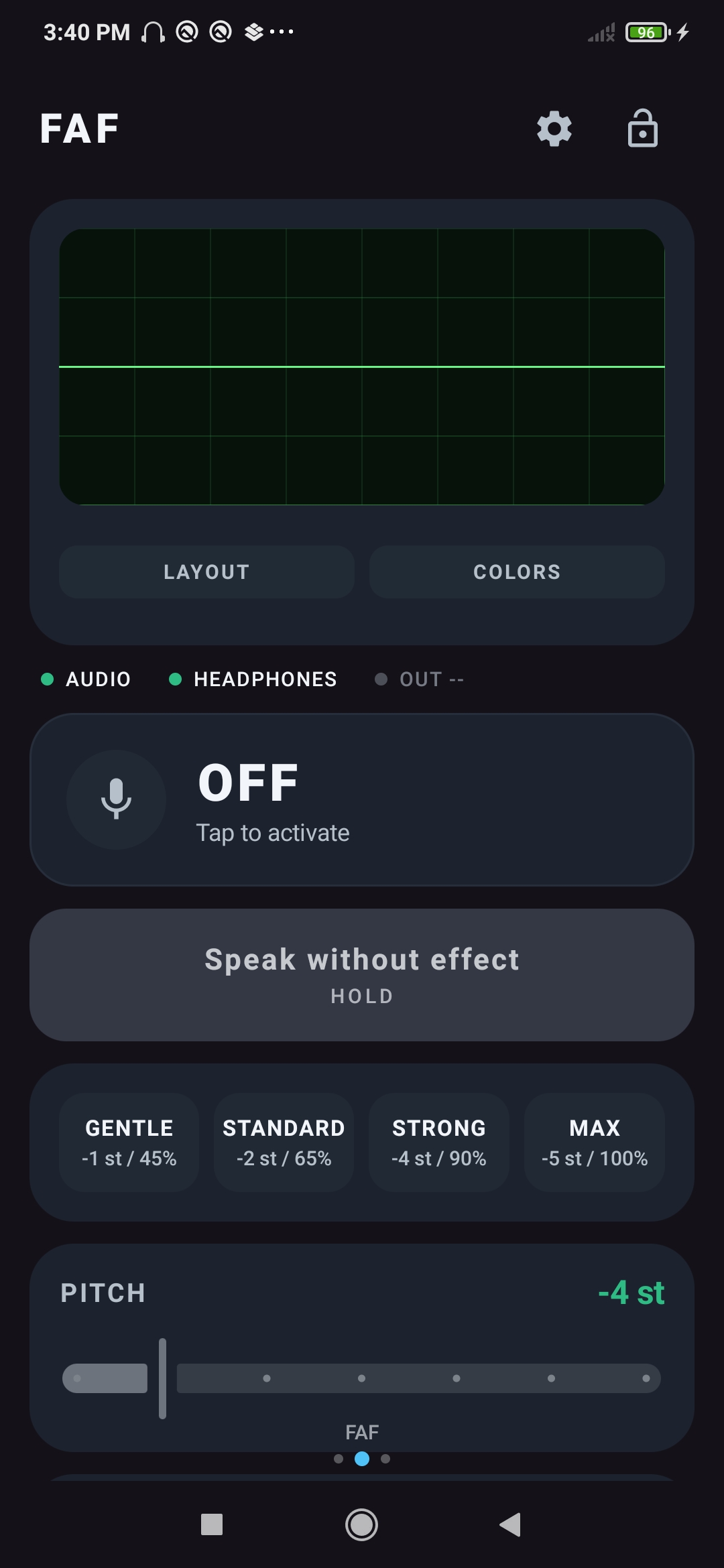
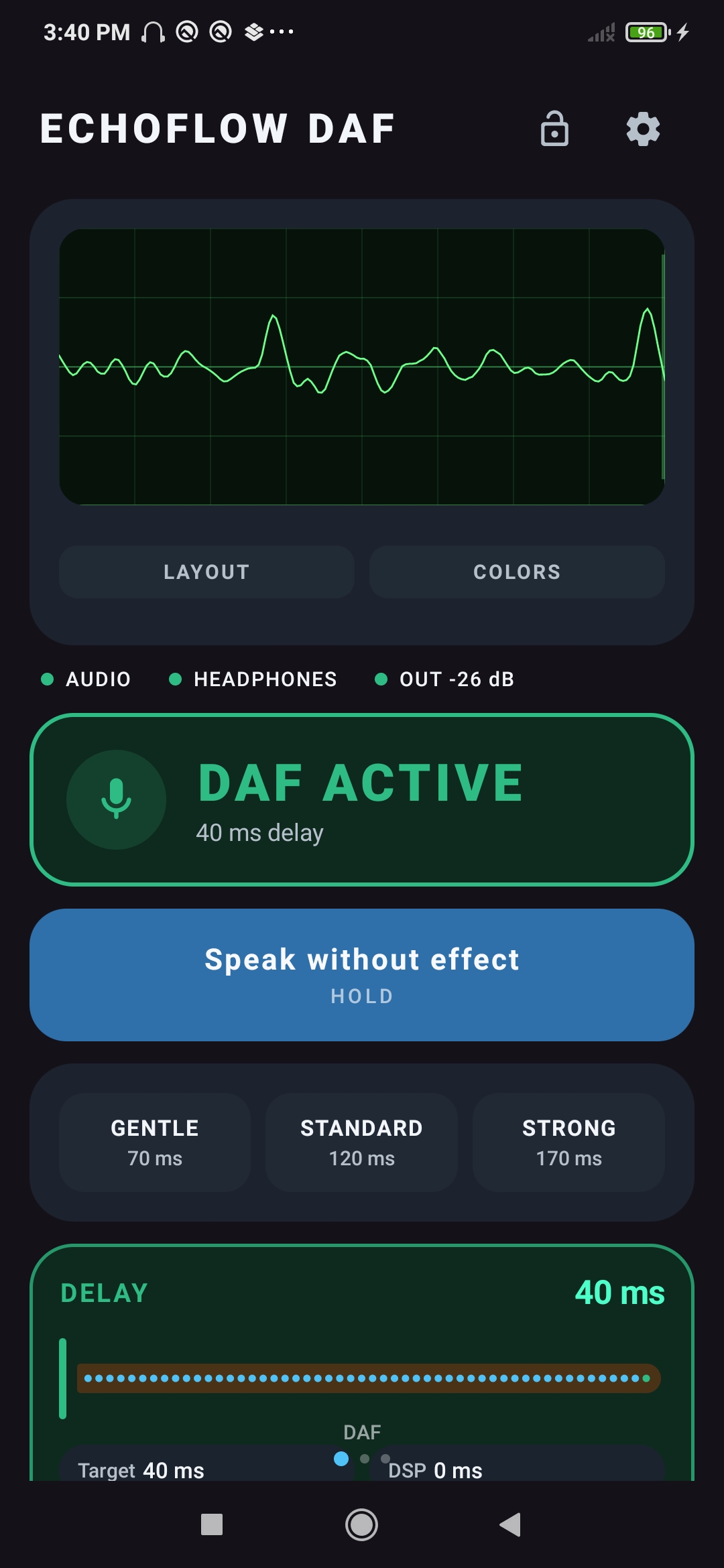
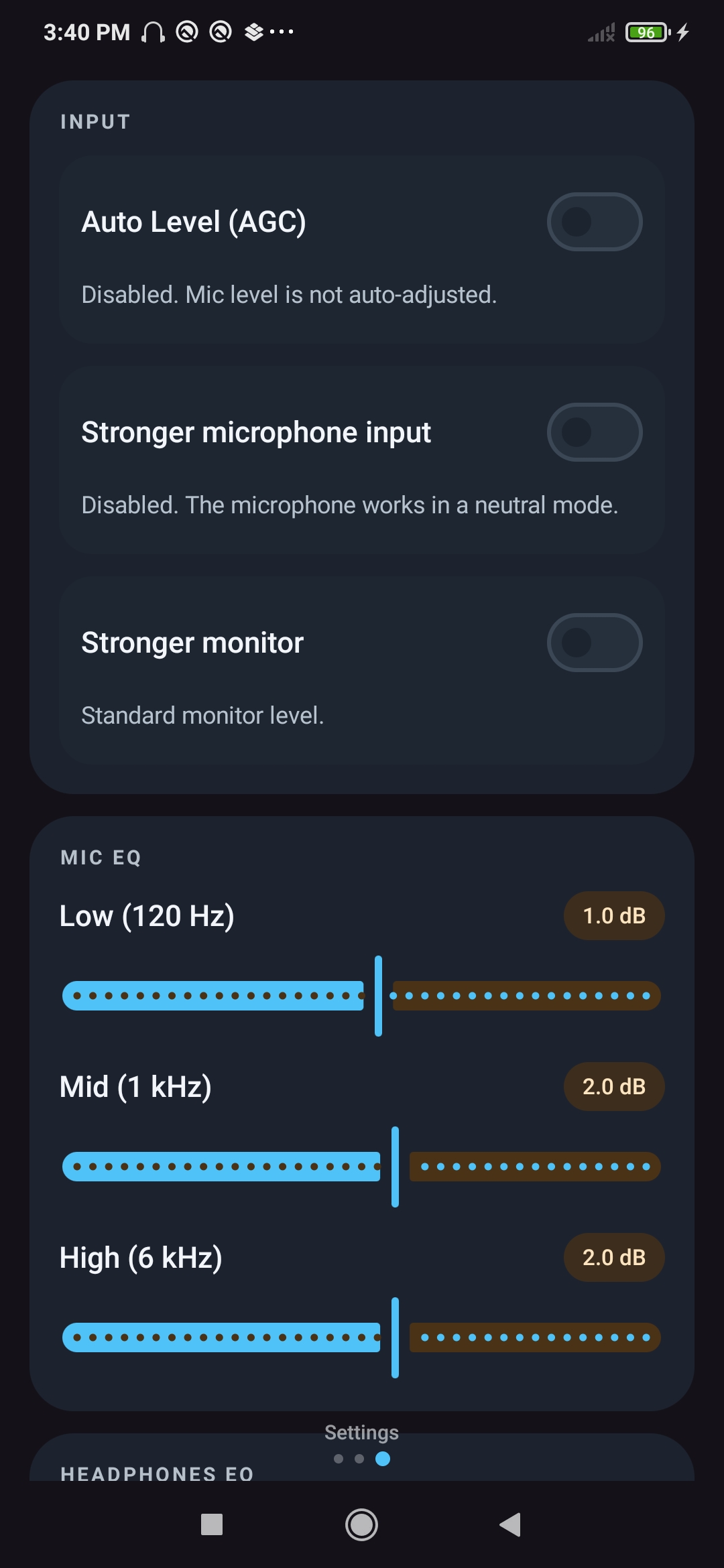
Real-time DAF and FAF voice feedback through wired headphones. Low latency, simple controls, clear sound.
Two dedicated screens for DAF and FAF, plus precise audio controls to shape your voice feedback exactly how you want it.
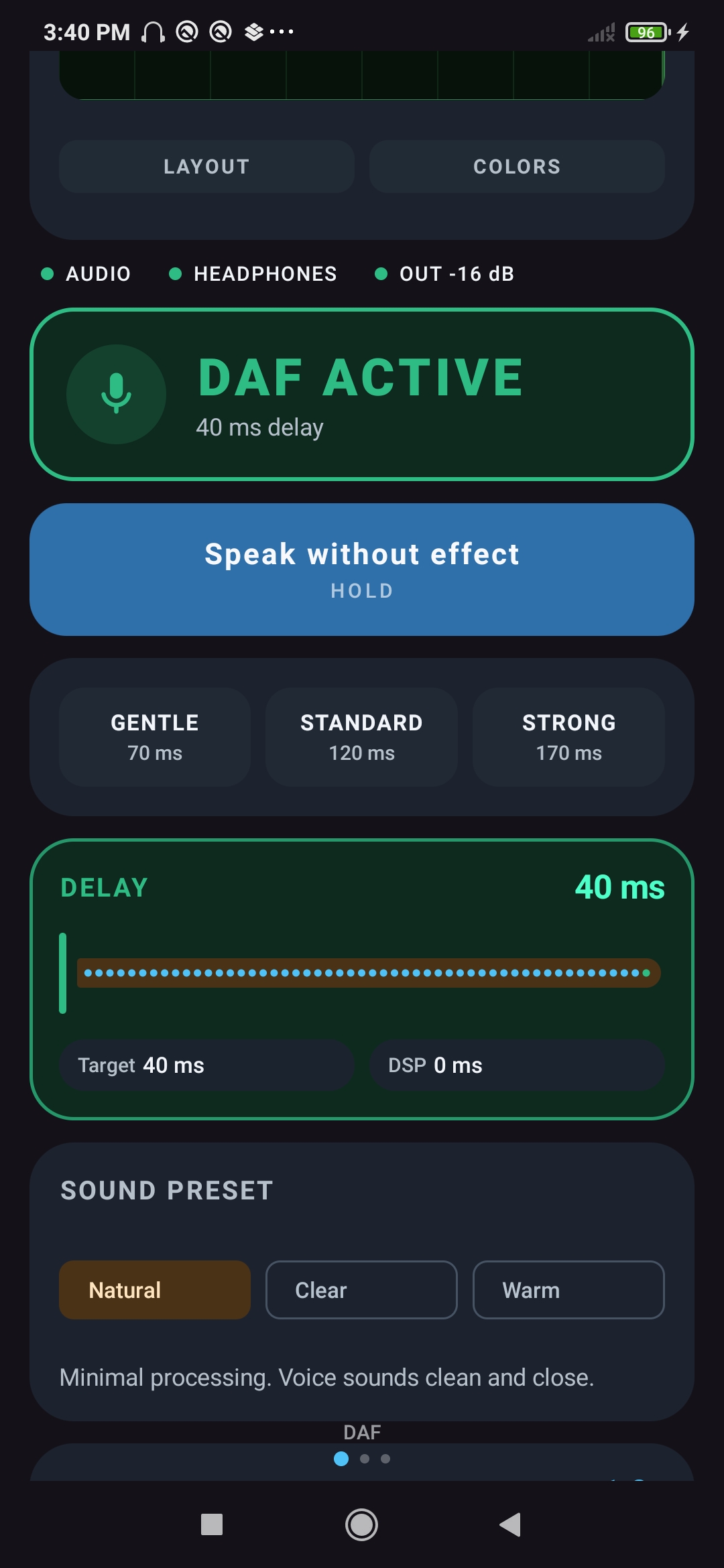
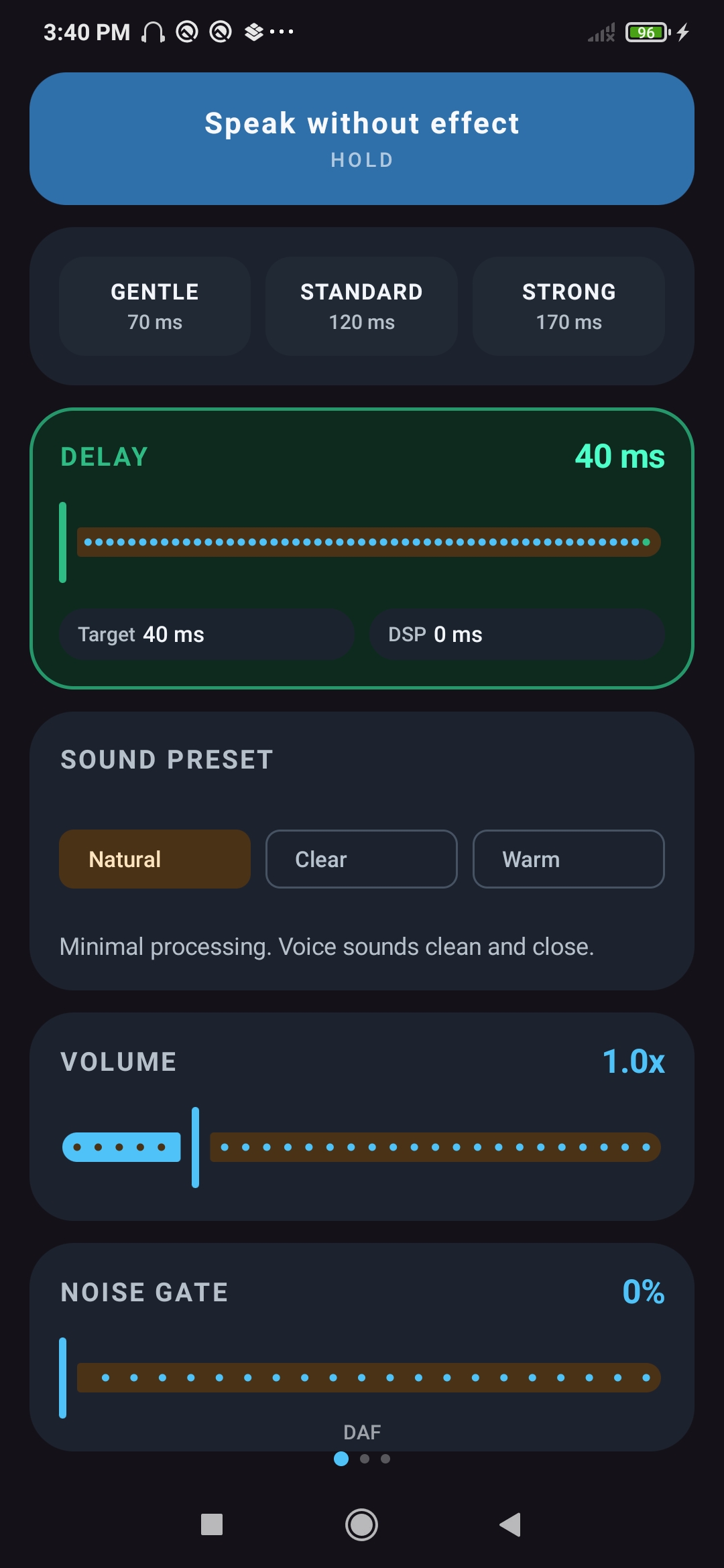
Hear your voice with an adjustable delay from 0 to 300 ms. Three quick presets: Gentle (70 ms), Standard (120 ms), Strong (170 ms).
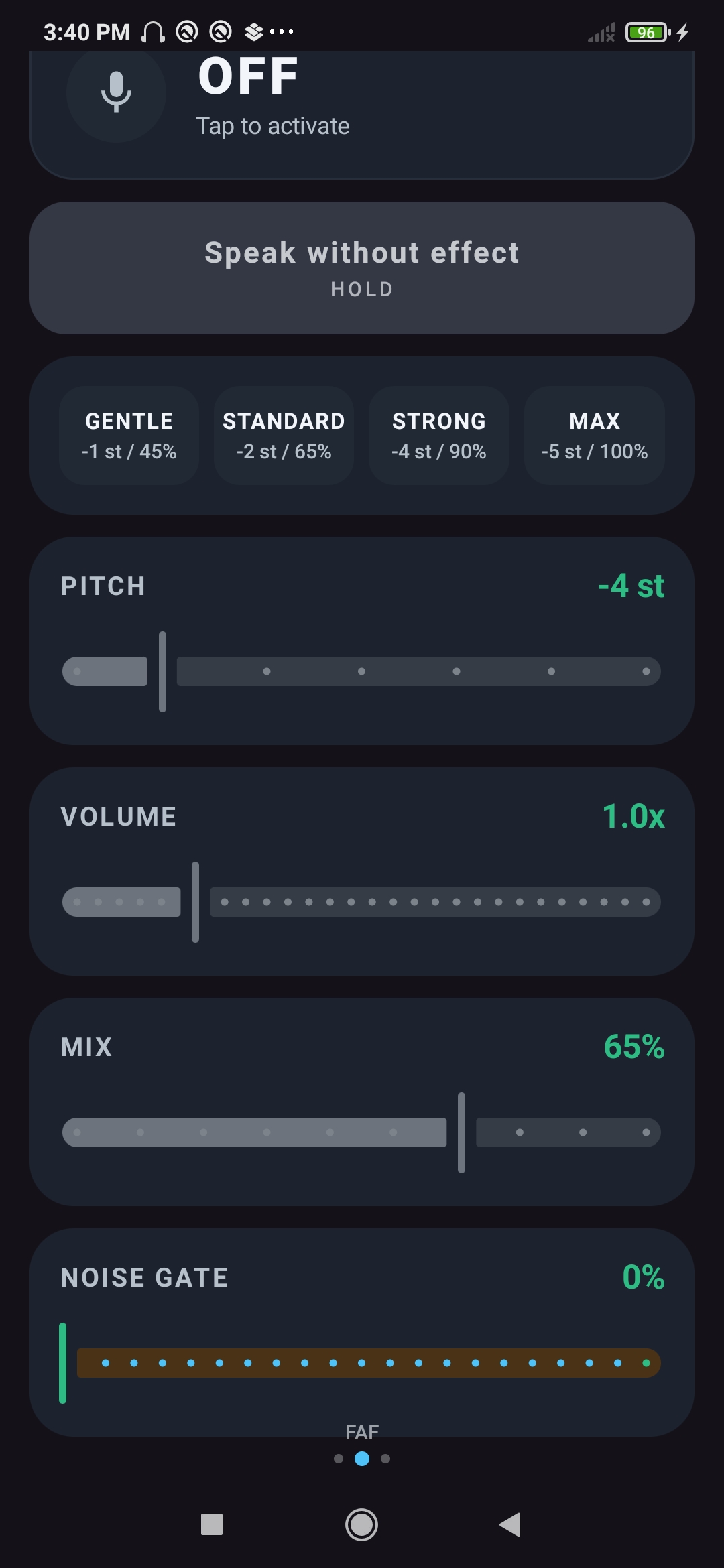
Pitch-shift your voice feedback in real time. Choose from presets or adjust pitch and mix manually.
Hear yourself with no added effect — low latency, real-time audio monitoring through wired headphones.
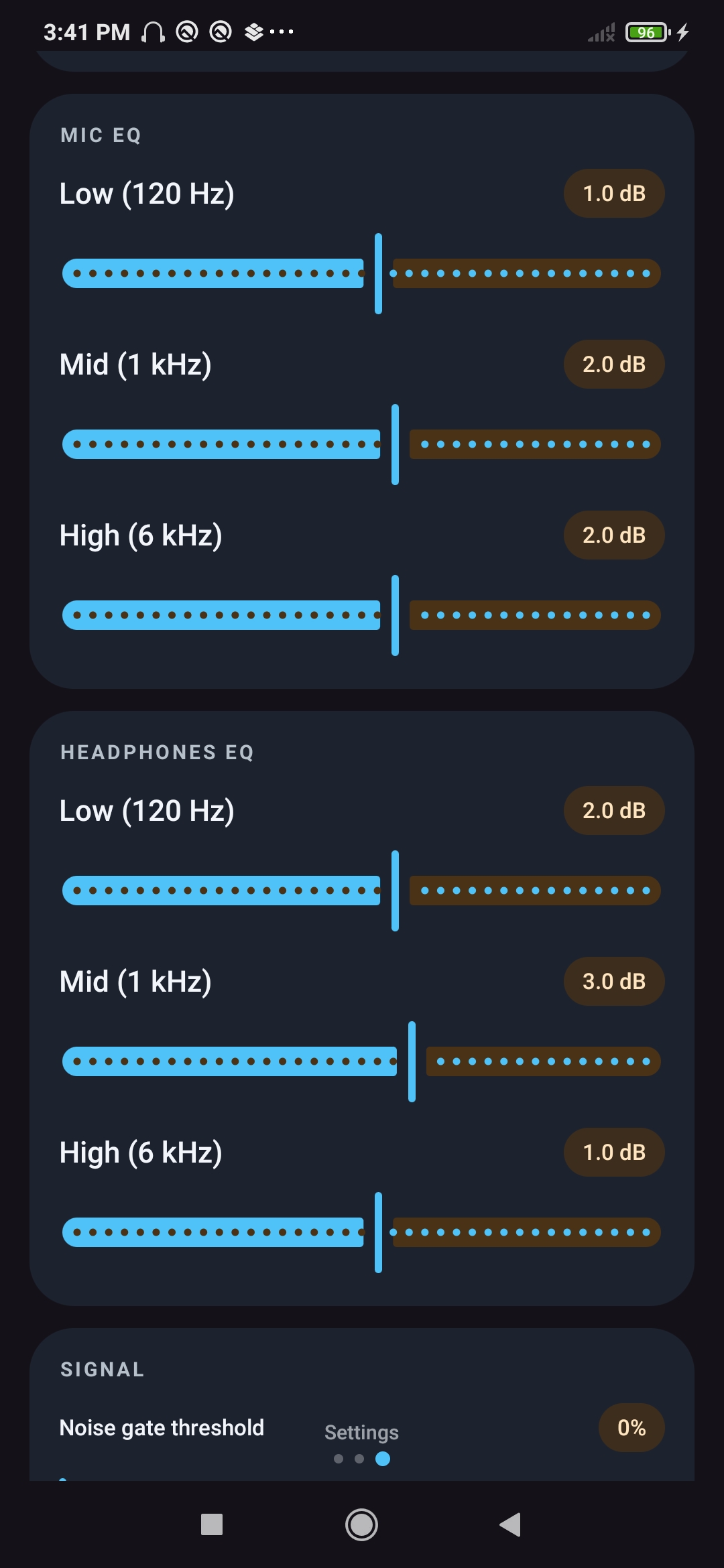
Separate microphone and headphone equalizers — Low (120 Hz), Mid (1 kHz), High (6 kHz) — for full tone control.
Real-time waveform display with multiple layouts and switchable colors. See your audio level at a glance.
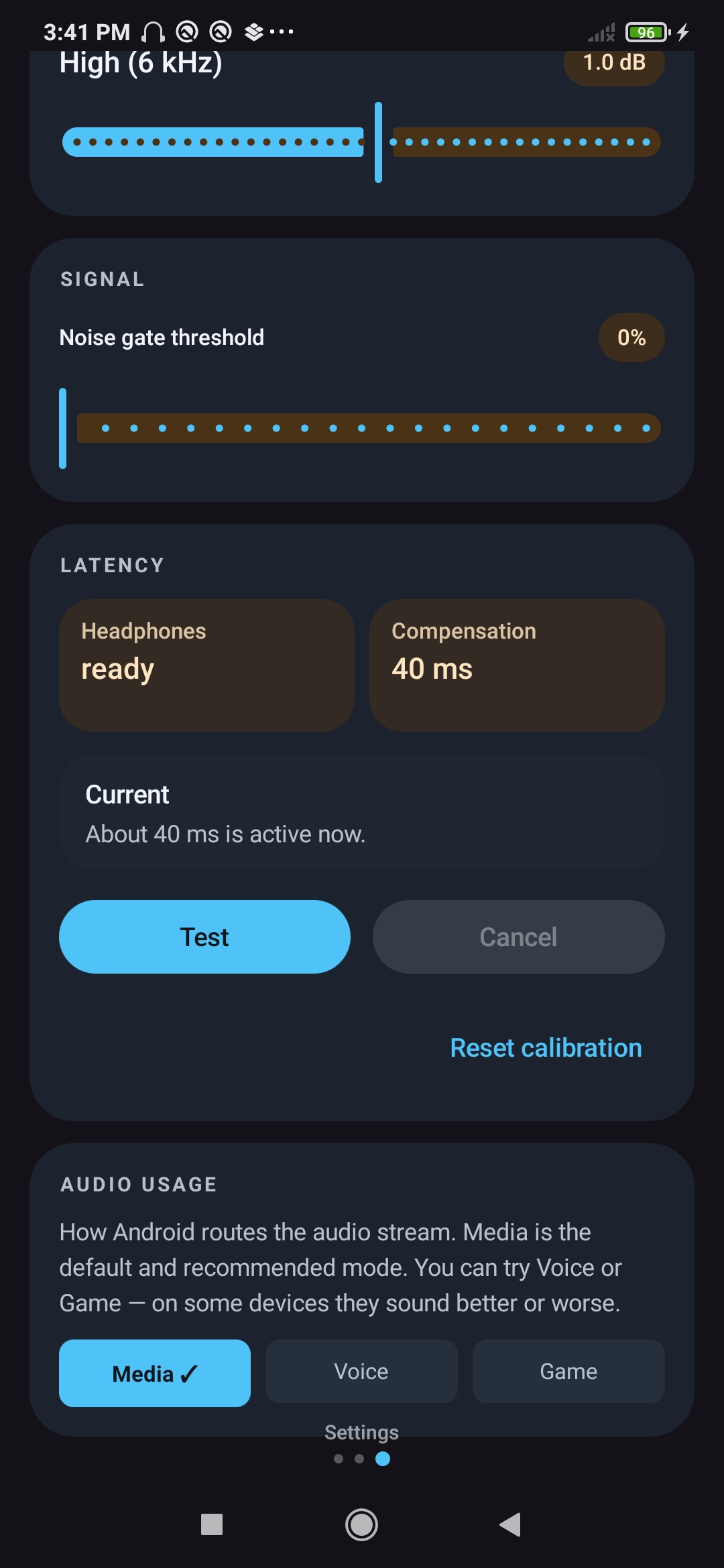
Clean up your signal automatically. Noise gate cuts background noise, de-esser tames harsh S and SH sounds.
Lock your DAF and FAF settings to avoid accidental changes during a session.
Built-in calibration test fine-tunes the DAF delay to your specific device for the most accurate feedback.
Full interface available in English and Polish.
Clean dark interface designed around audio — everything you need, nothing you don't.
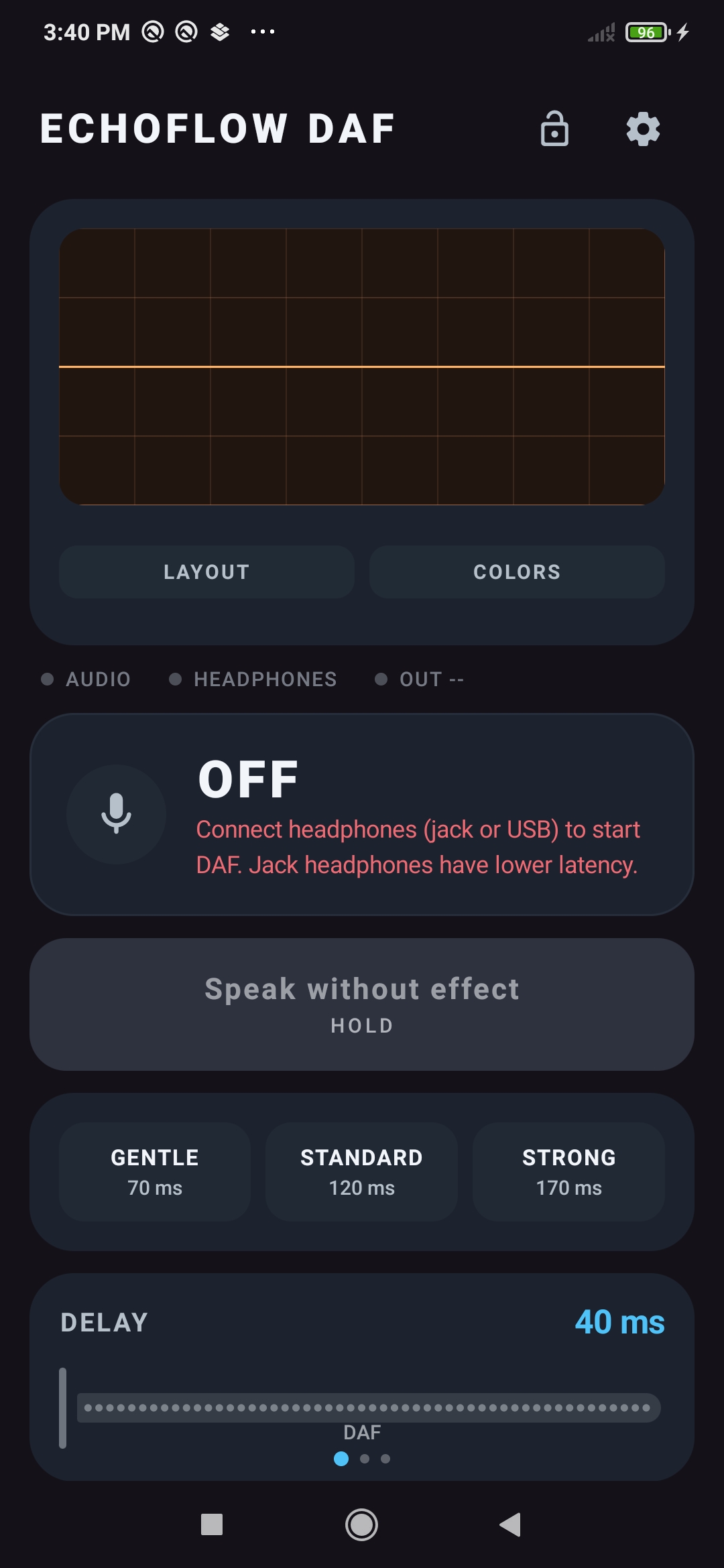
No account, no setup, no subscription.
Use 3.5mm jack or USB-C headphones. Bluetooth is not supported — too much delay for real-time feedback.
Choose the mode you want to use. Each screen has its own independent settings.
Tap the status card to start. You will immediately hear your voice with the selected effect.
Use the sliders and presets to find the settings that work best for you. Hold "Speak without effect" to bypass the effect at any time.
3.5mm jack or USB-C. Bluetooth headphones are not supported due to high audio latency.
Works on most modern Android phones and tablets.
Required to capture your voice for real-time audio processing.
For the clearest feedback, use the app in a reasonably quiet space.
Connect your headphones and start listening to yourself differently.
▶ Download on Google Play